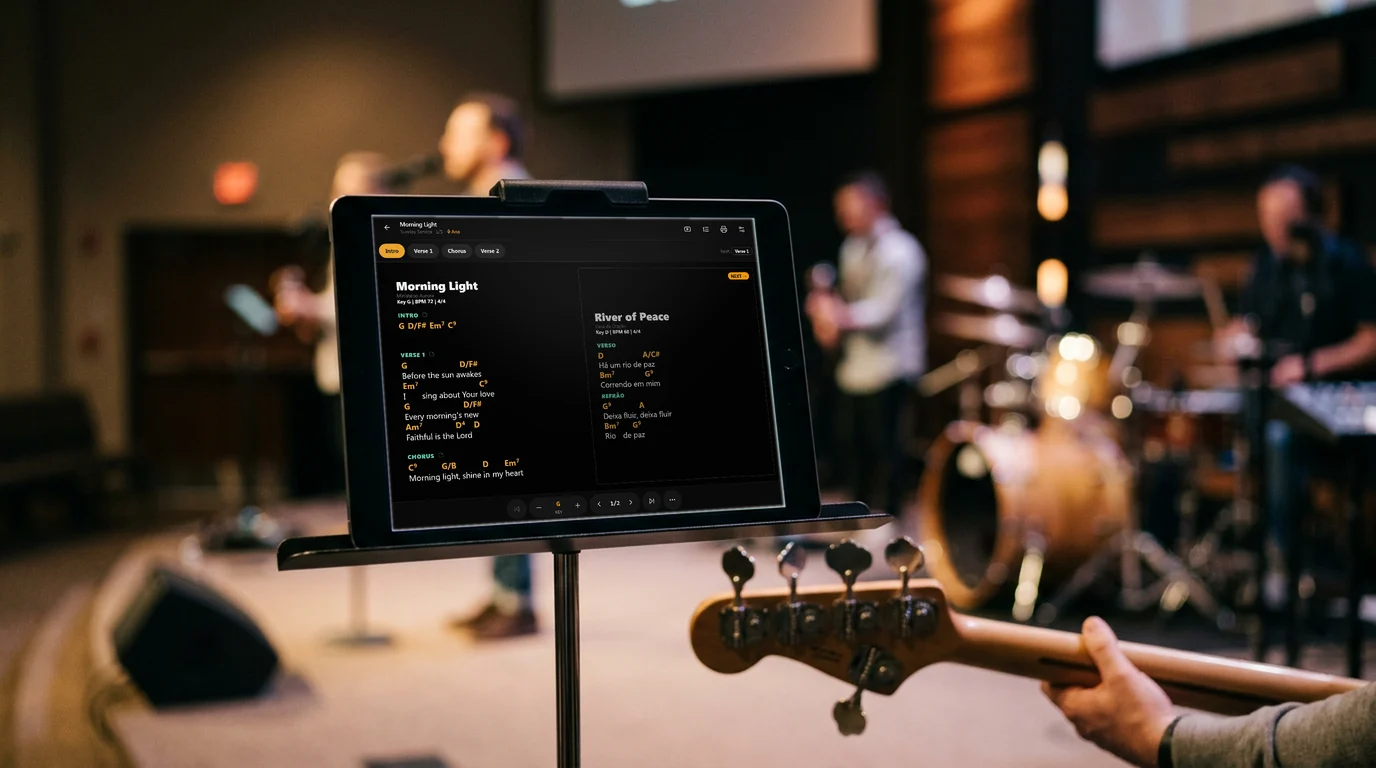
Your band on the same song, in the same key, in the same section.
The leader runs the setlist and every device follows in real time. No PDFs in the group chat, no charts in the wrong key, no asking where we are.
No sign-up · Free during the trial period · Charts offline, live with internet
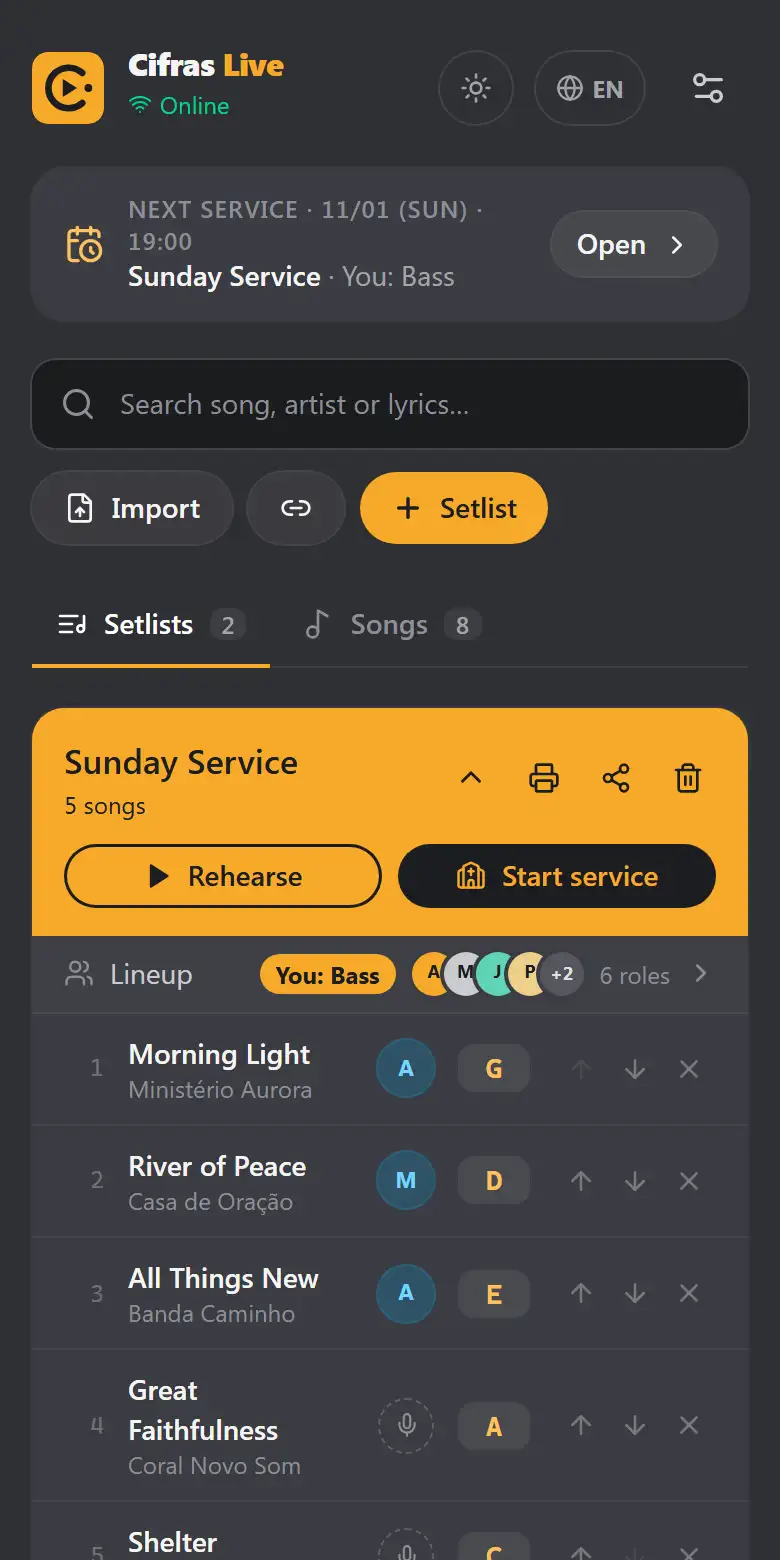
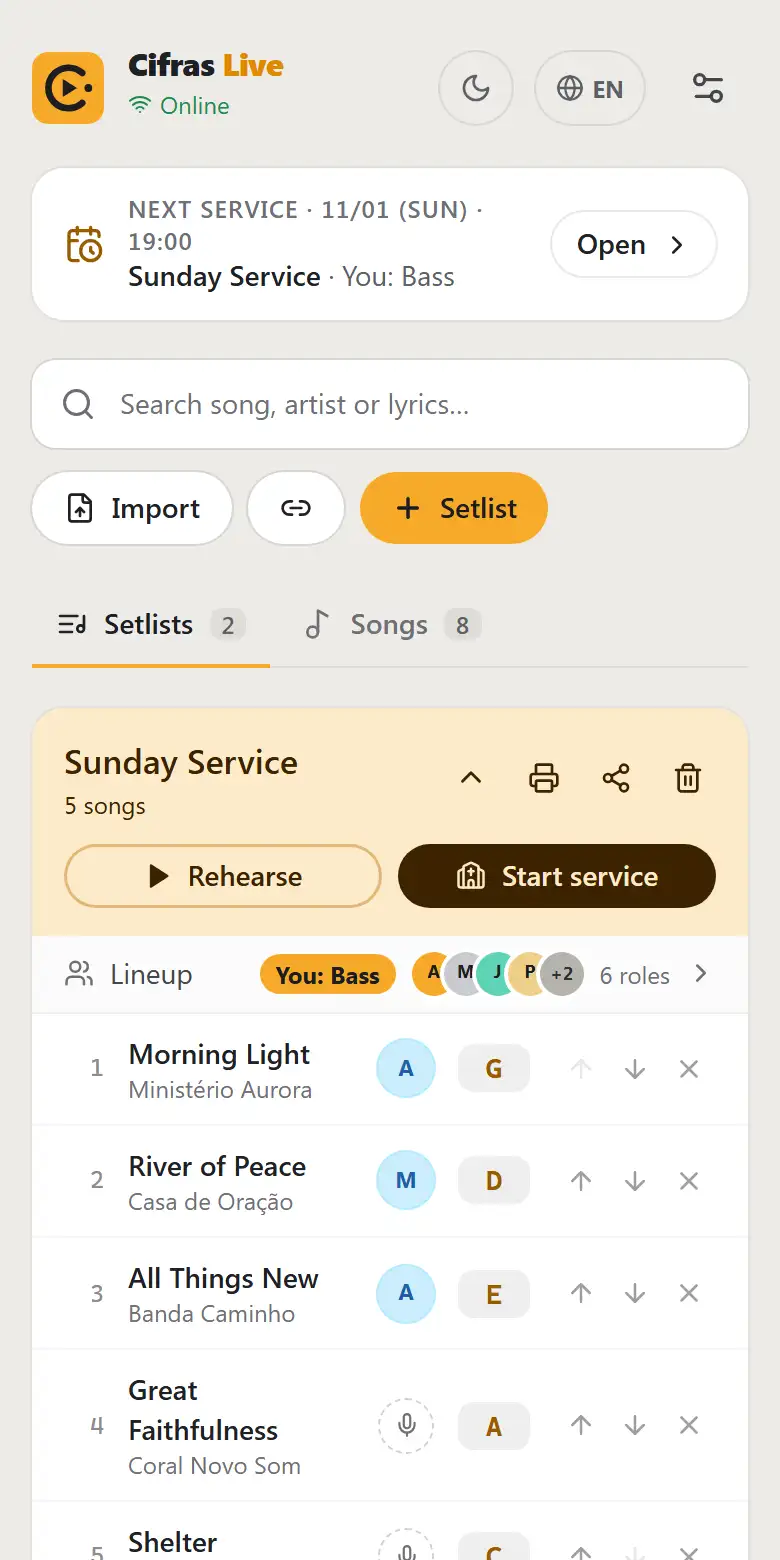
Three steps to your first rehearsal.
No long setup. Start with the charts you already have.
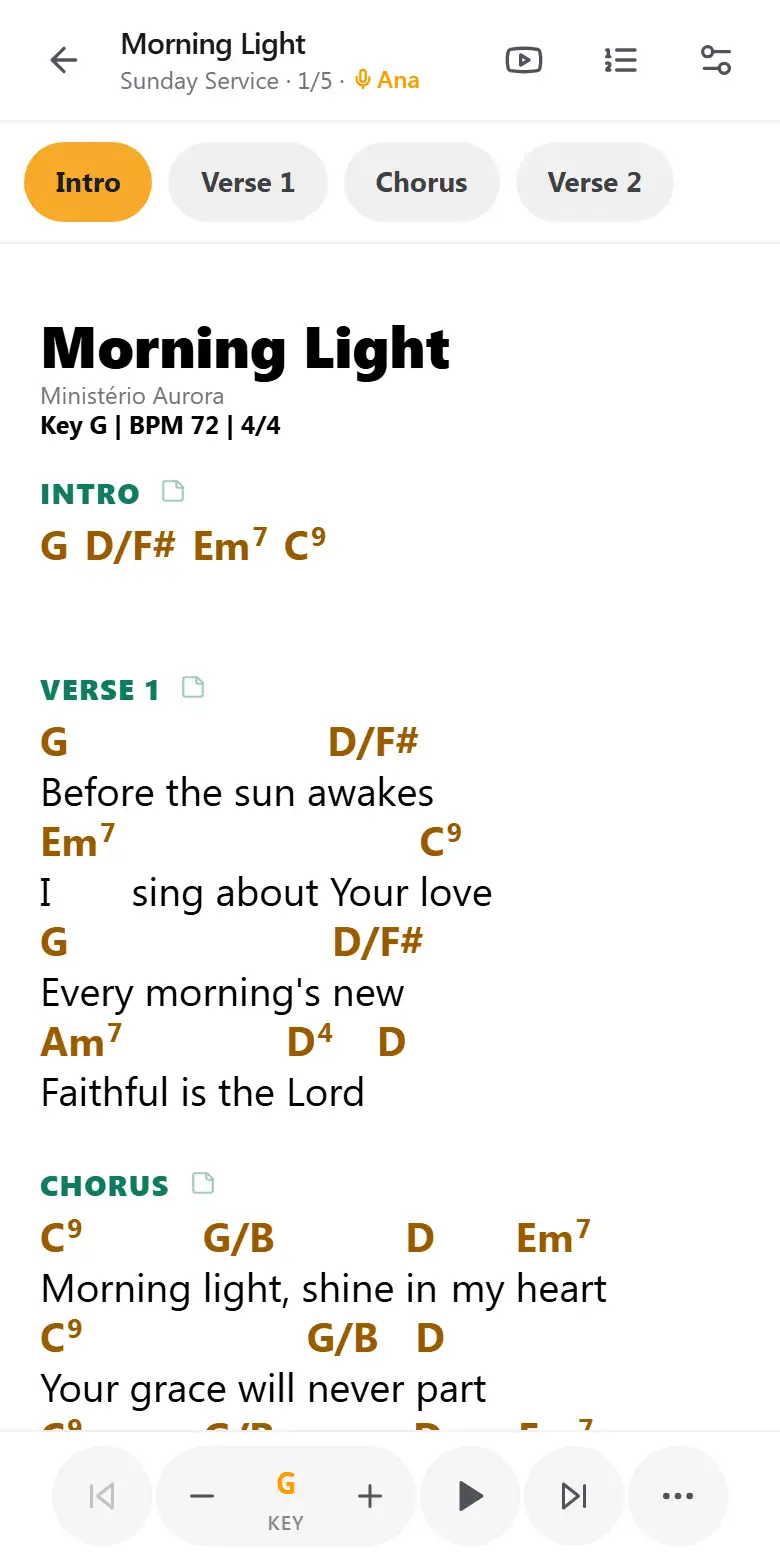
Paste the chart as it is or drop .txt, ChordPro and PDF files. Title, key and tempo are detected.
Order the songs, set each singer's key, the arrangement and who plays. Send it all to the team with one link.
Open a room with a code. Every musician's screen follows the leader, section by section.
One leader leads. The whole band follows.
Song, key, scrolling and sections in sync on every device, securely.
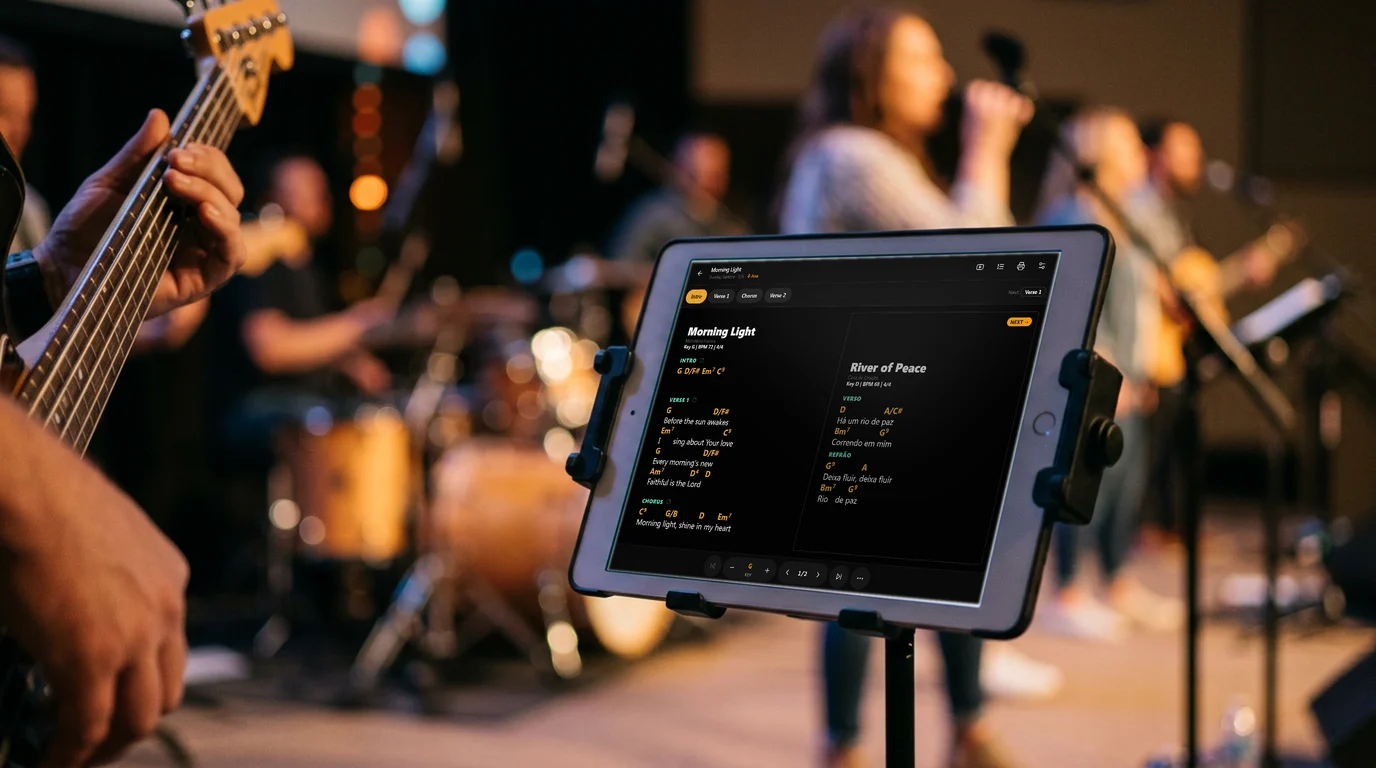
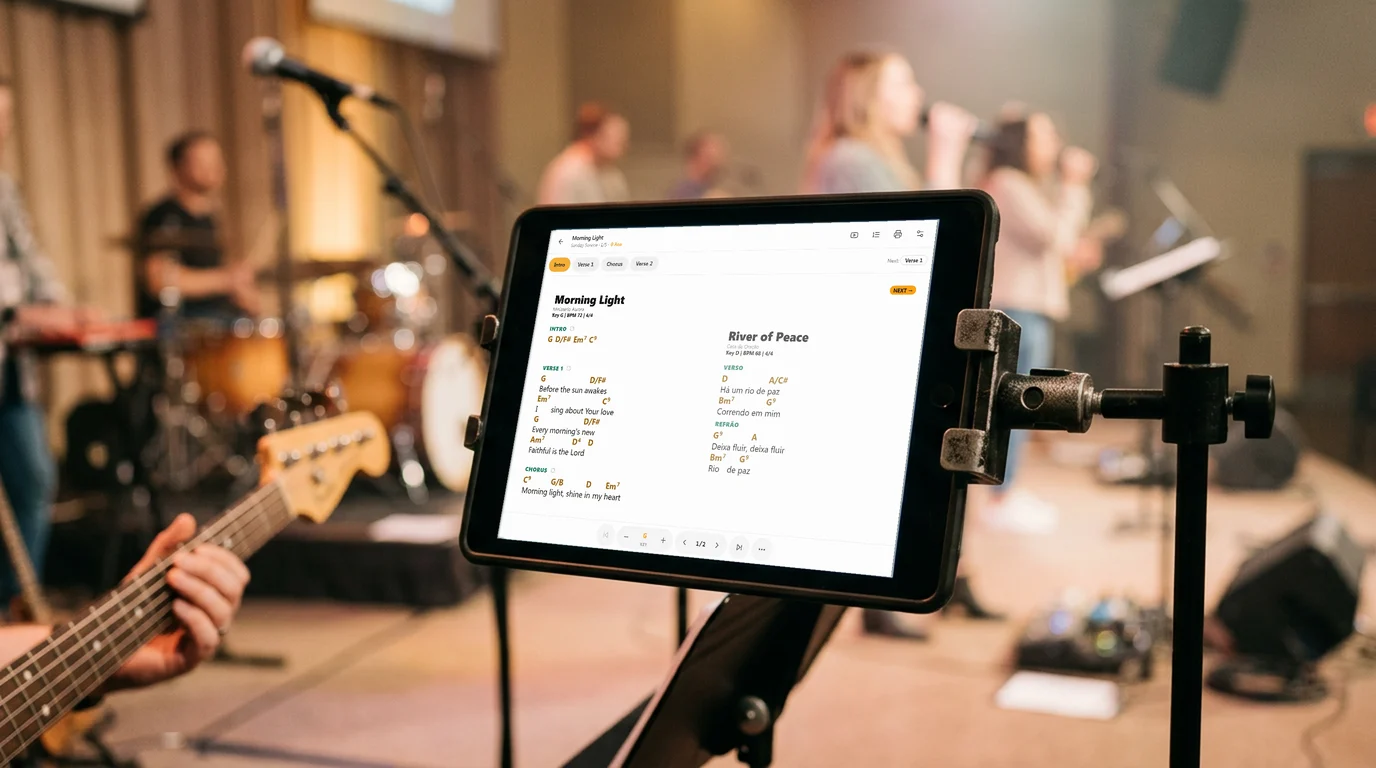
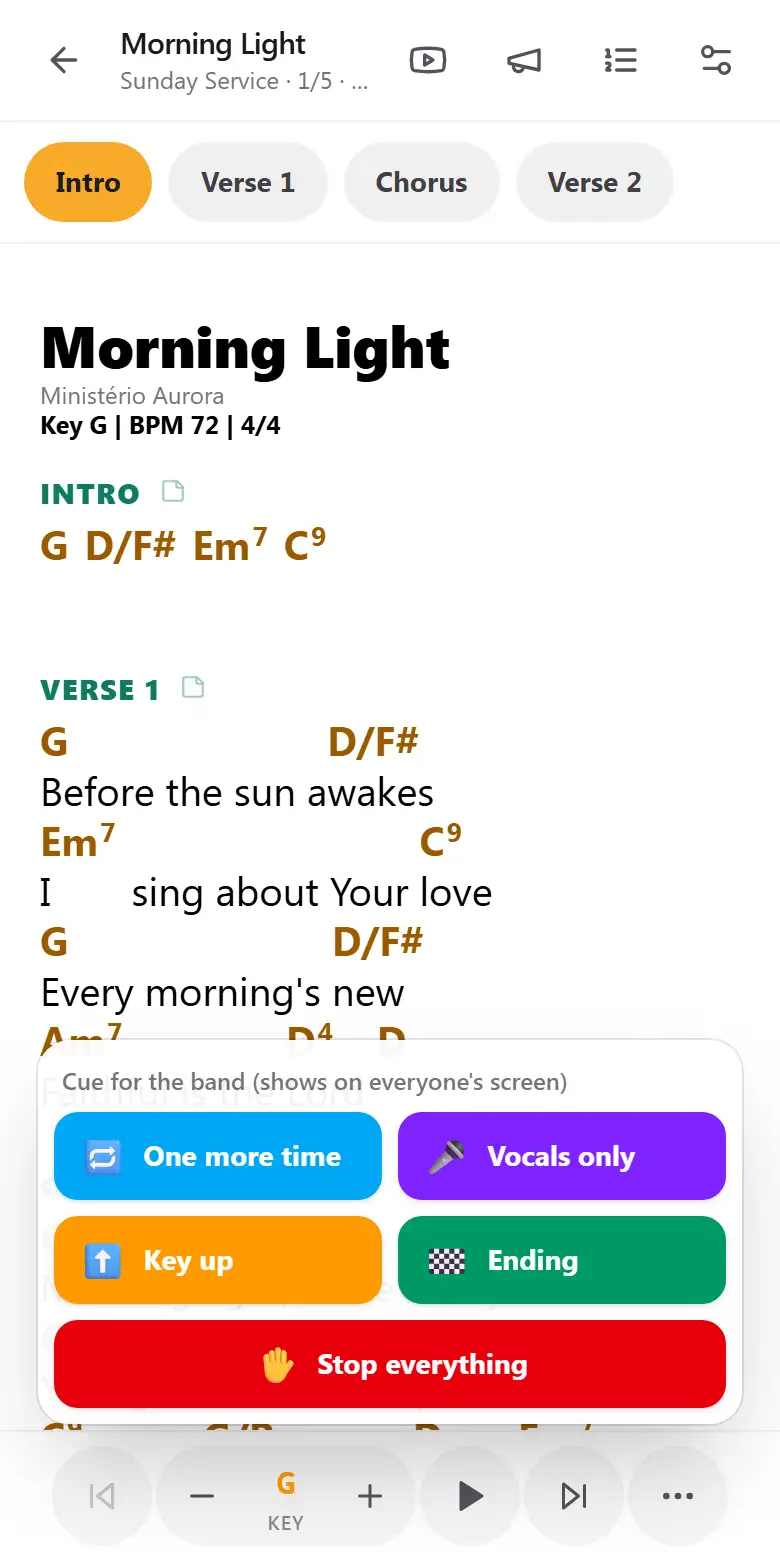
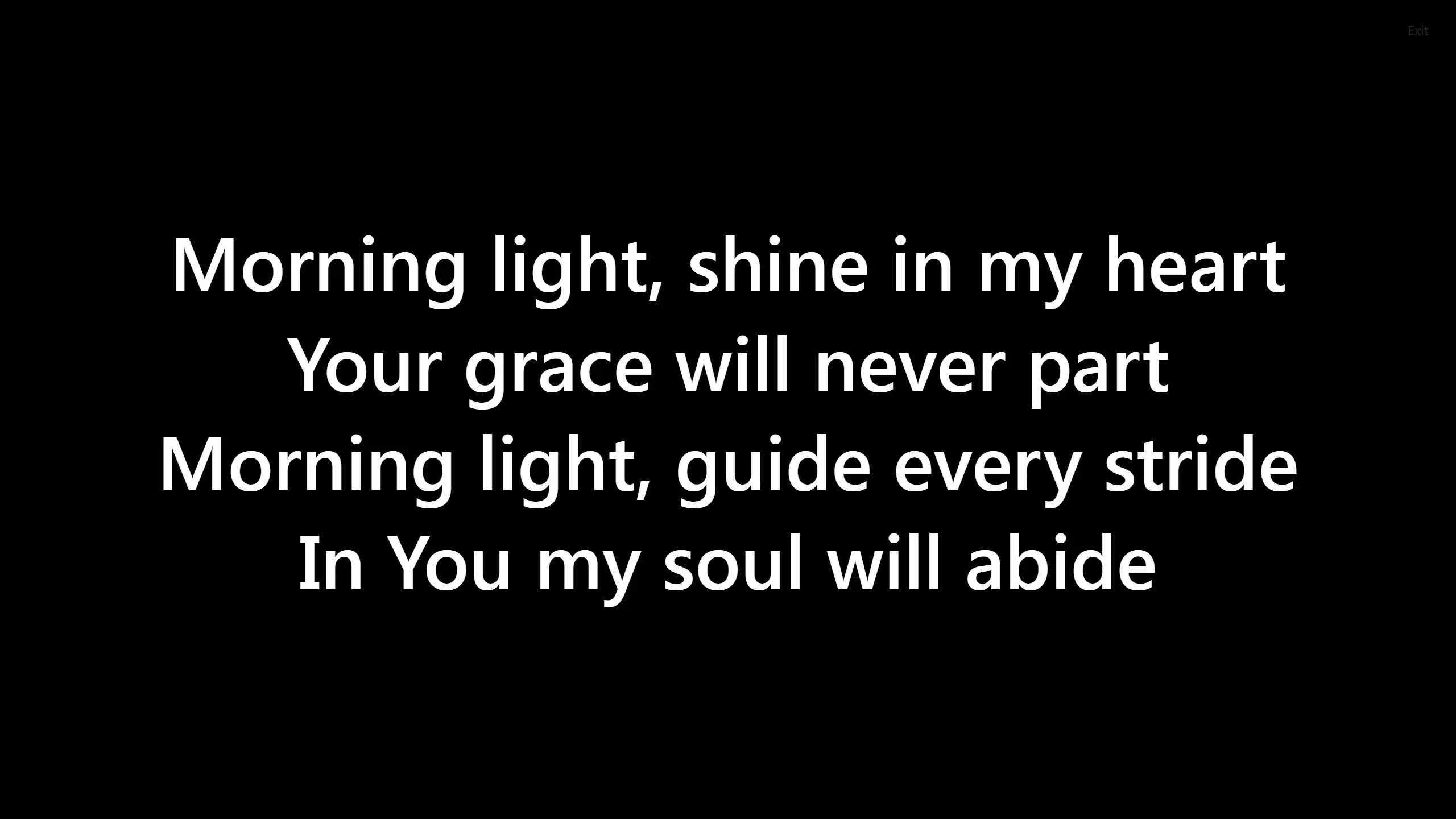
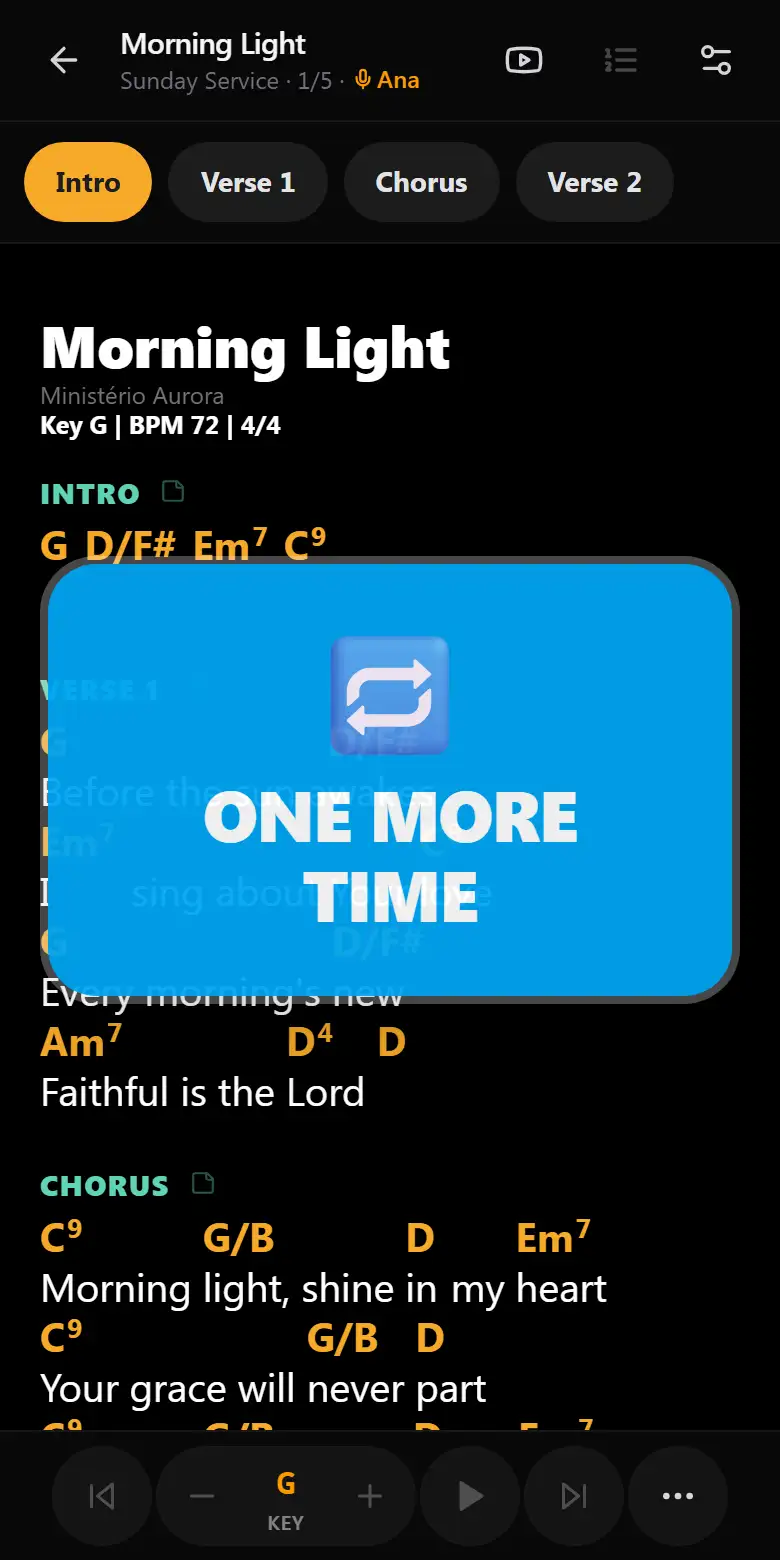
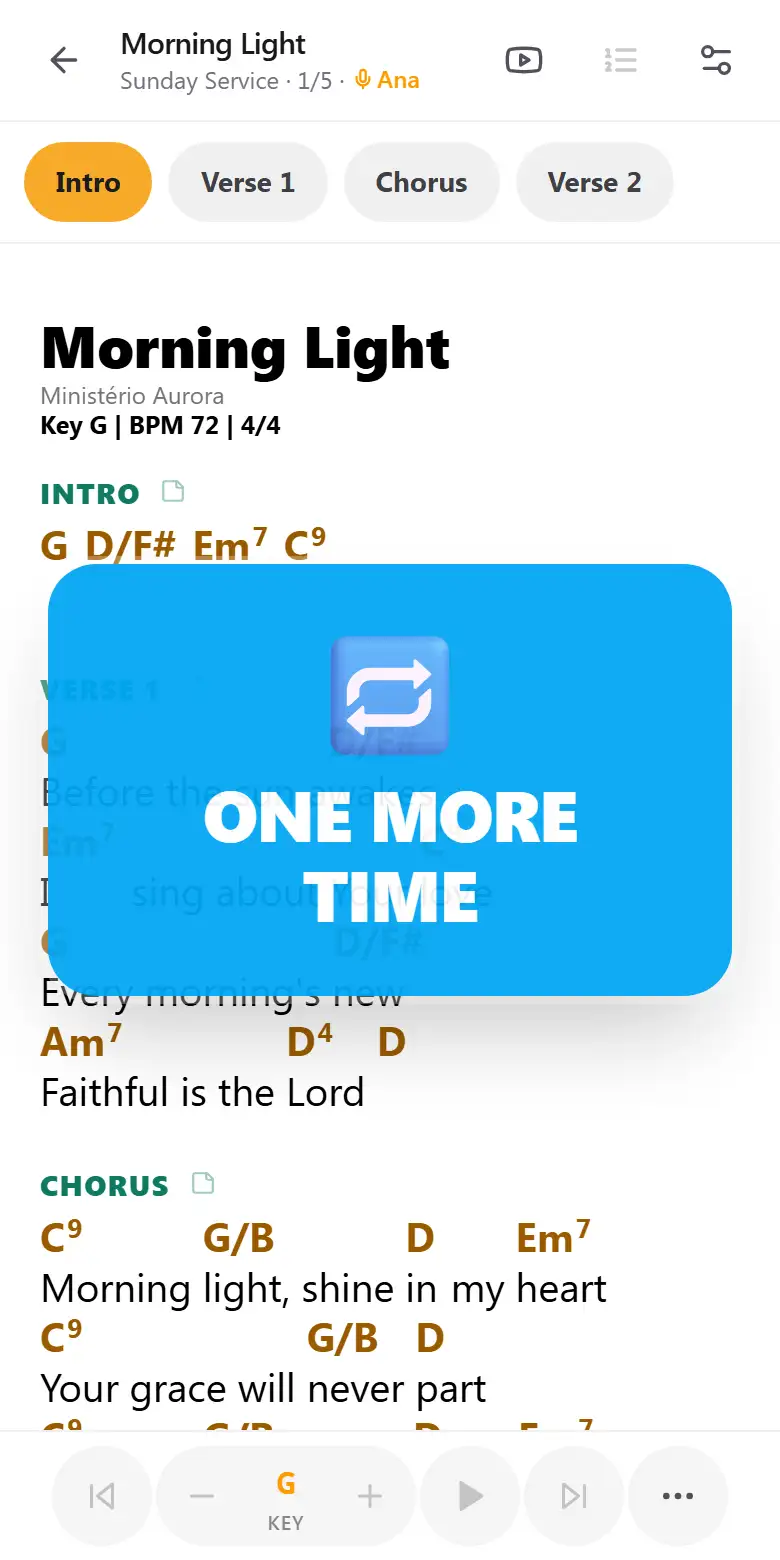
"Back to the chorus" and everyone jumps together.
The big screen shows only the lyrics of the current section.
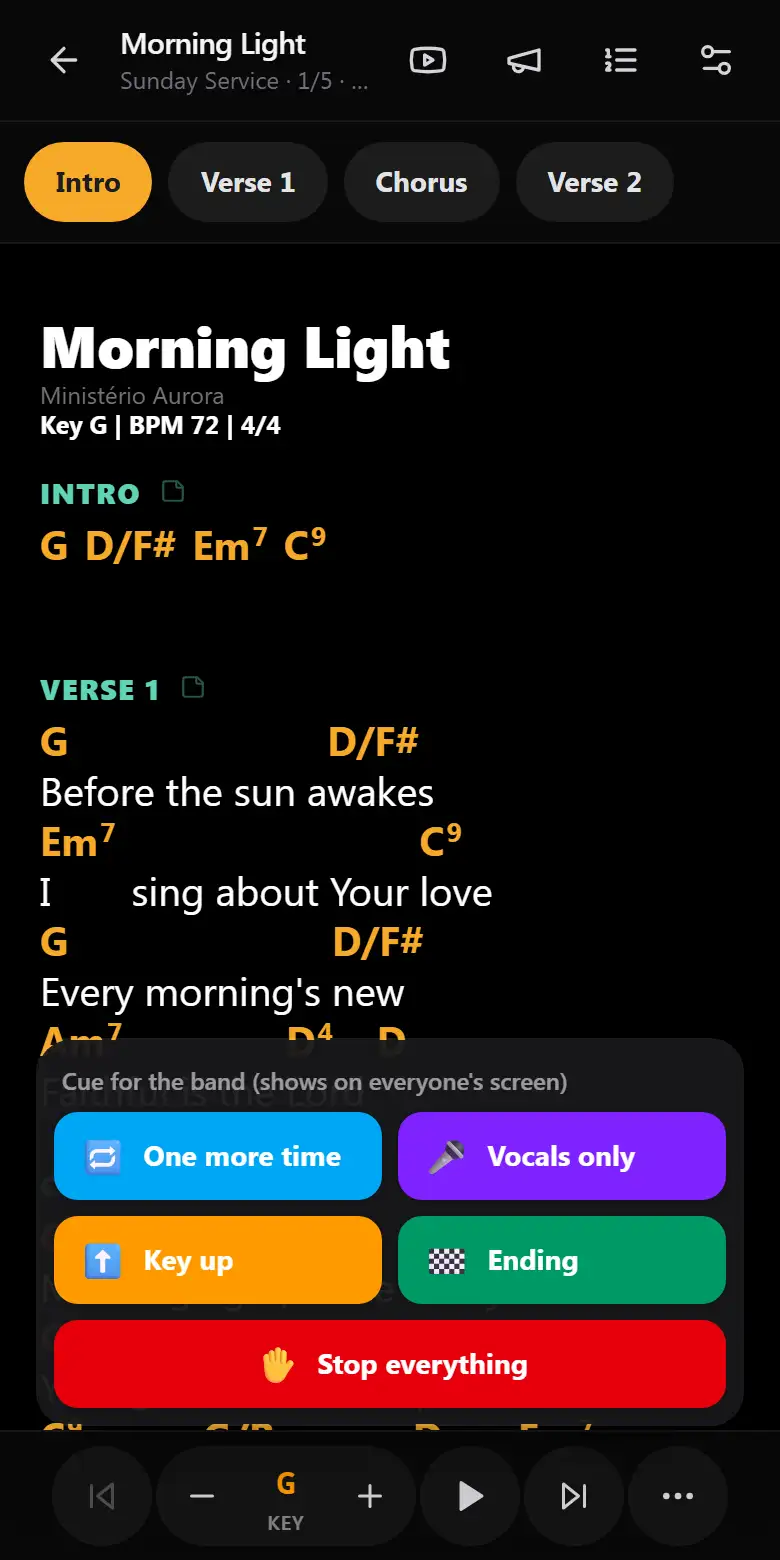
One more time, vocals only, ending, stop.
Full screen, always on, auto-scroll and a smooth move to the next song.
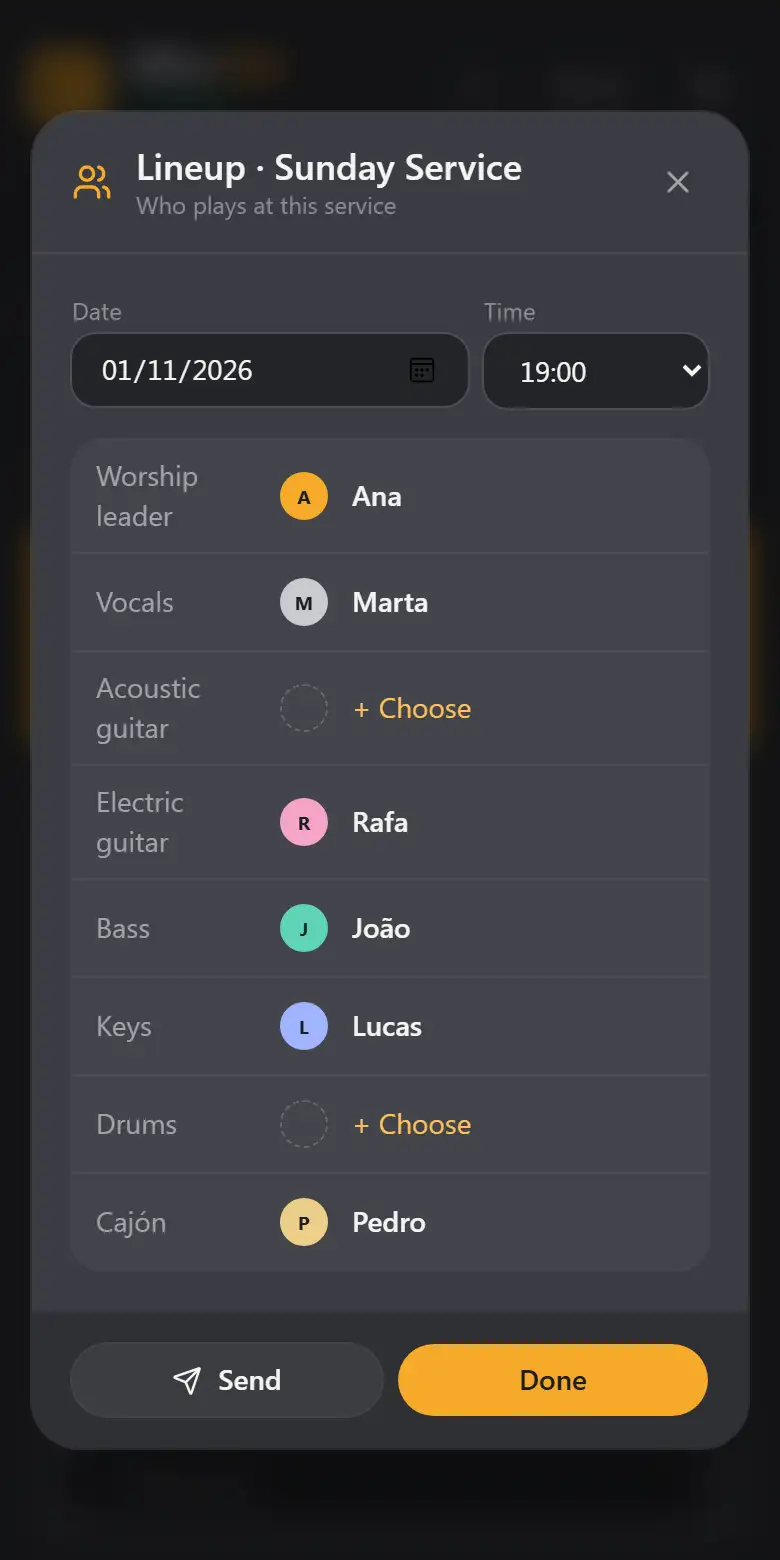
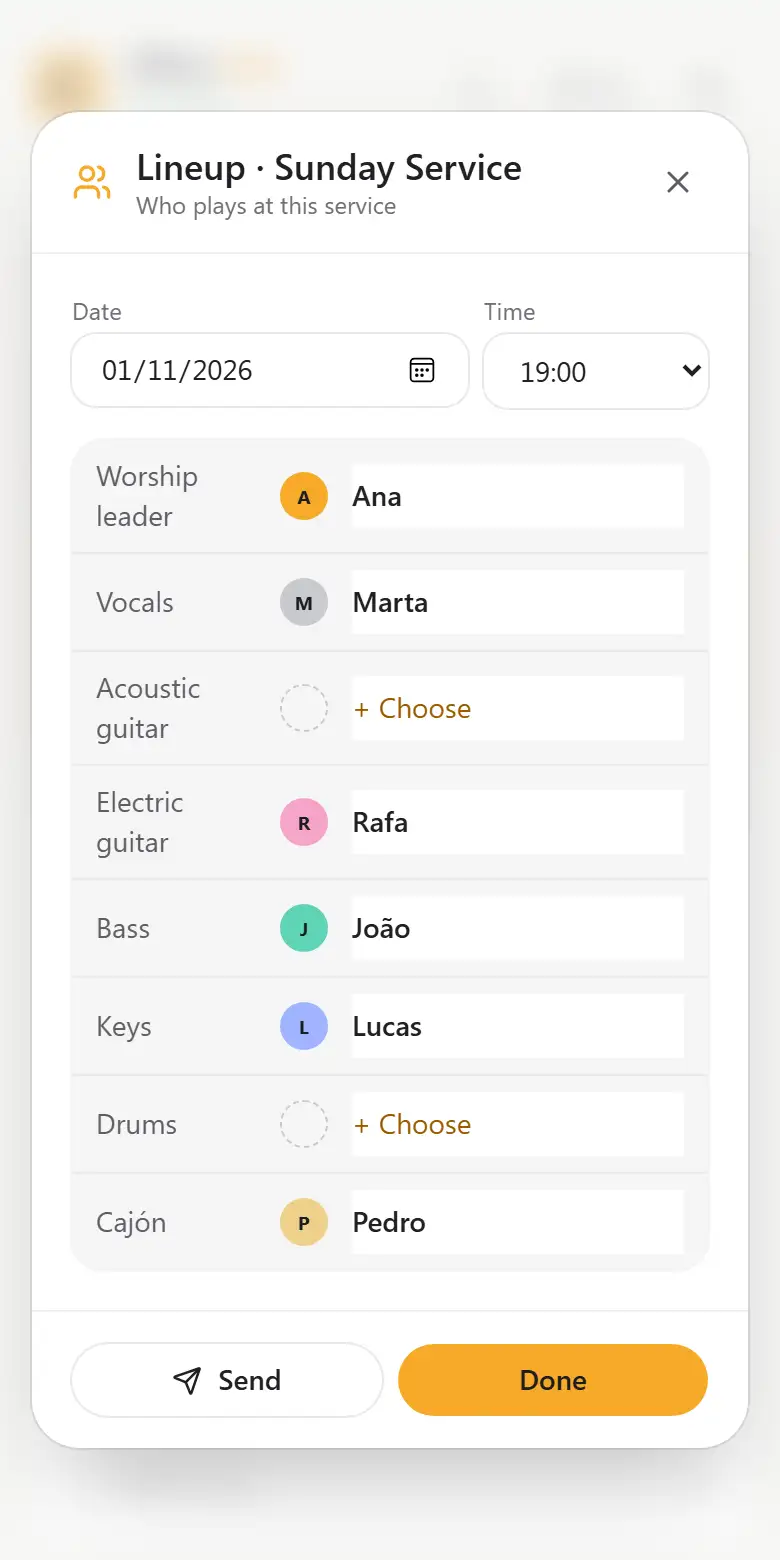
The whole service, organized in one place.
Setlist, keys, arrangement and schedule together, ready to send to the team.
- Each singer's key · the app remembers it and suggests one from the vocal range
- Arrangement · section order and repeats for each setlist
- Schedule · date, time, roles and conflict warnings
- Next service · each musician sees when they play and in which role
- PDF songbook · the whole setlist printed, in the service key
- Statistics · most played, forgotten songs and each singer's keys
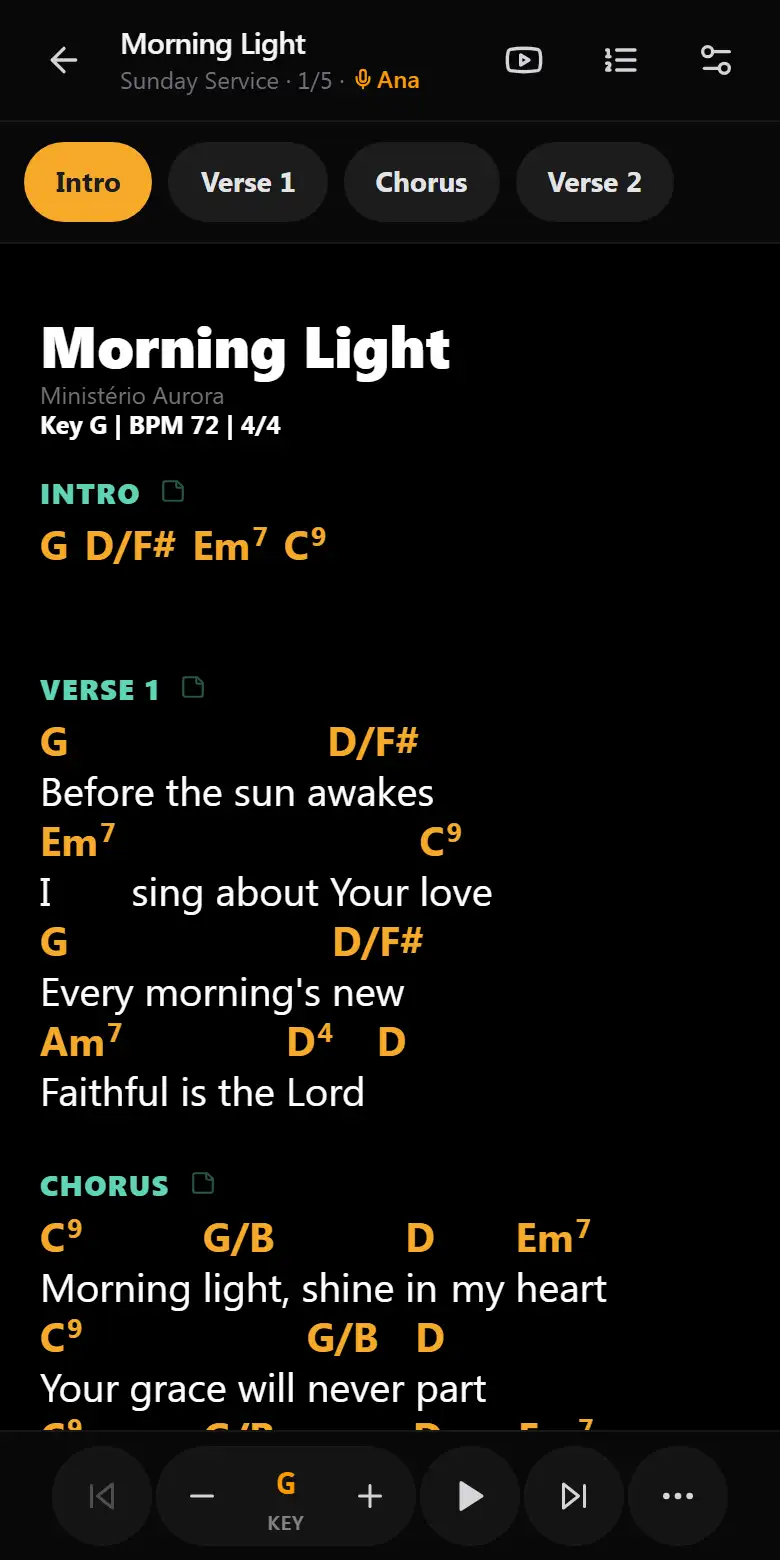
Paste the chart as it is. The app understands it.
Every chord sits above the right syllable, the way musicians are used to reading.
- Import many files · .txt, ChordPro or PDF, or drop them on the screen
- Transpose and capo · with one tap, plus capo suggestions for hard keys
- Wind instruments · trumpet and sax read the chart already in their key
- Chord diagrams · guitar, bass, keyboard and violin, with other voicings
- Simplified chords and chords only · for beginners, or for keys and bass
Everything a musician needs, on the same screen.
No switching apps in the middle of rehearsal.
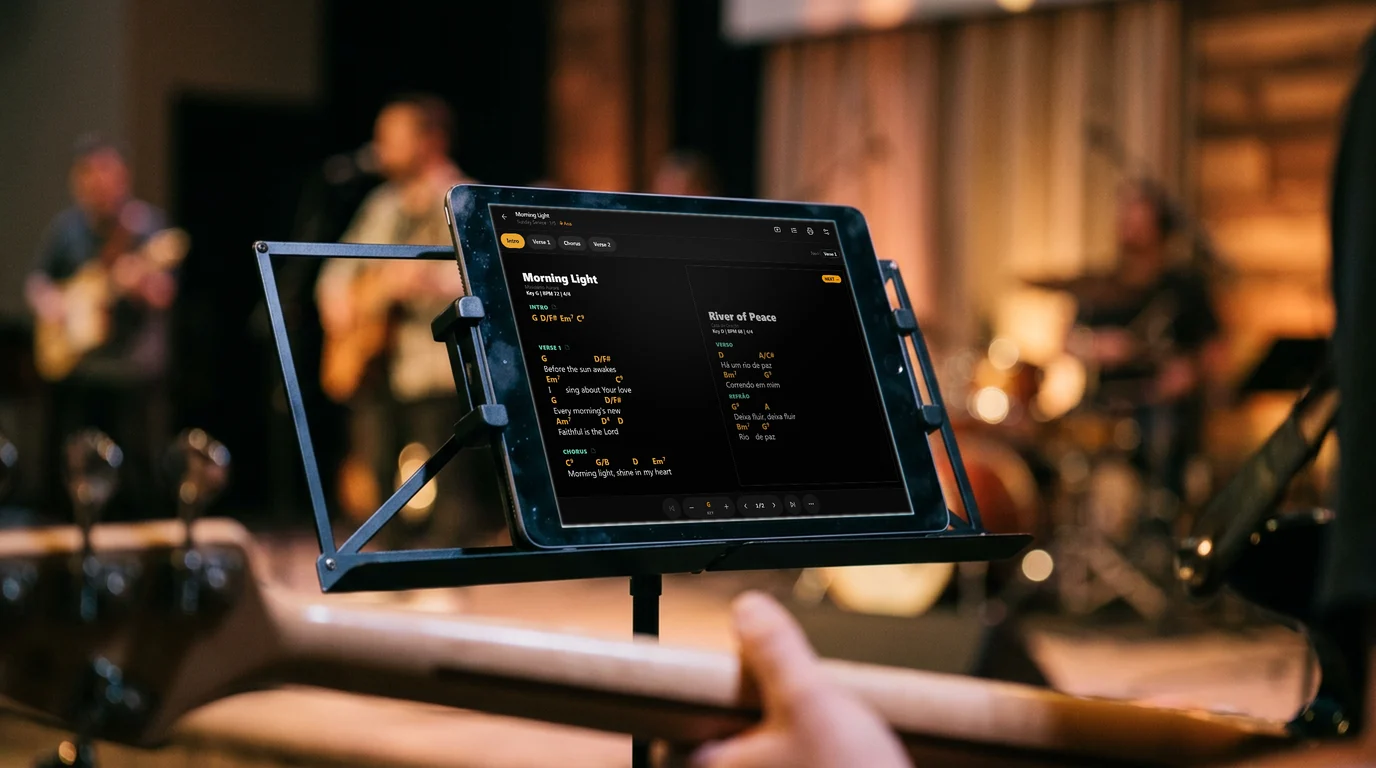
Loop a section and play it at 75% or 50% speed, with scrolling and metronome together.
Guitar, bass and violin through the microphone, without leaving the song. Ignores room noise.
A continuous background sound in the song's key, generated on the device. It follows each song's key.
Light and click at each song's tempo; it can start by itself during the service.
At the end of each song, the chord that leads into the next key and a tempo change warning.
A cover with the index and each song on its own page, in the setlist's key and arrangement.
Worship teams, bands and musicians: everyone on the same song.
Worship teams
- Service schedule · who plays, when, and sending it to the group
- Projector · the current section's lyrics on the big screen
- Each singer's key · the app remembers it and suggests one from the voice
- Service mode · screen always on, automatic scrolling and transitions
Musicians and bands
- Show setlist · order, keys and arrangement for each gig
- Cues on stage · one more time, ending, stop
- Rehearsal mode · repeat the hard part, slower
- Winds and percussion · each instrument with its own view
The usual rehearsal problems, solved.
On your home screen, like an app.
No app store and no sign-up. Works offline once installed.
- Open the app in Safari.
- Tap Share (the square with the up arrow).
- Choose "Add to Home Screen".
- Open the app in Chrome.
- Tap the ⋮ menu in the top corner.
- Choose "Install app" or "Add to Home screen".
- Open the app in the browser.
- Click the install icon at the end of the address bar.
- Confirm with "Install".
Before you start.
Does it work on iPhone?
Yes. It works in the browser on iPhone, Android and computers, and it can be installed on the home screen like an app.
Do I need to install it or create an account?
No. Open the address and start using it. Installing is optional and needs no sign-up.
Do I need internet during the service?
Charts stay on the device and work offline. The internet is only used for the live room, the projector and setlist links.
How many devices can follow the leader?
The whole band: each musician joins with the same code, and the big screen joins as a projector.
Are my songs safe?
They stay on your device. Export a backup now and then; the app reminds you. The cloud, to use on several devices, is coming soon.
Will it be paid?
Everything is free during the trial period. When plans arrive, you will be notified in advance, and your songs are always yours: you can export everything at any time.
Does the app come with songs?
No. You bring your own charts: paste the text, drop .txt, ChordPro or PDF files, or open a setlist link sent by your band.
Bring your next rehearsal to Cifras Live.
Open it in the browser, add your charts and invite the band to the live room.
No sign-up · Free during the trial period · Charts offline, live with internet